Apple silicon
M-series processors
Download .zip
Verify SHA-256
dea6dd8812ac2e3032b901801b5bfe533a4a73a4adcdda38376c7c44e2b4288c
EnoughRepos is an alpha experiment in browsing Git repositories through Finder and fetching files as you open them.
Alpha experiment · macOS 26+ for virtual folders · Apple silicon & Intel
Apache 2.0 license
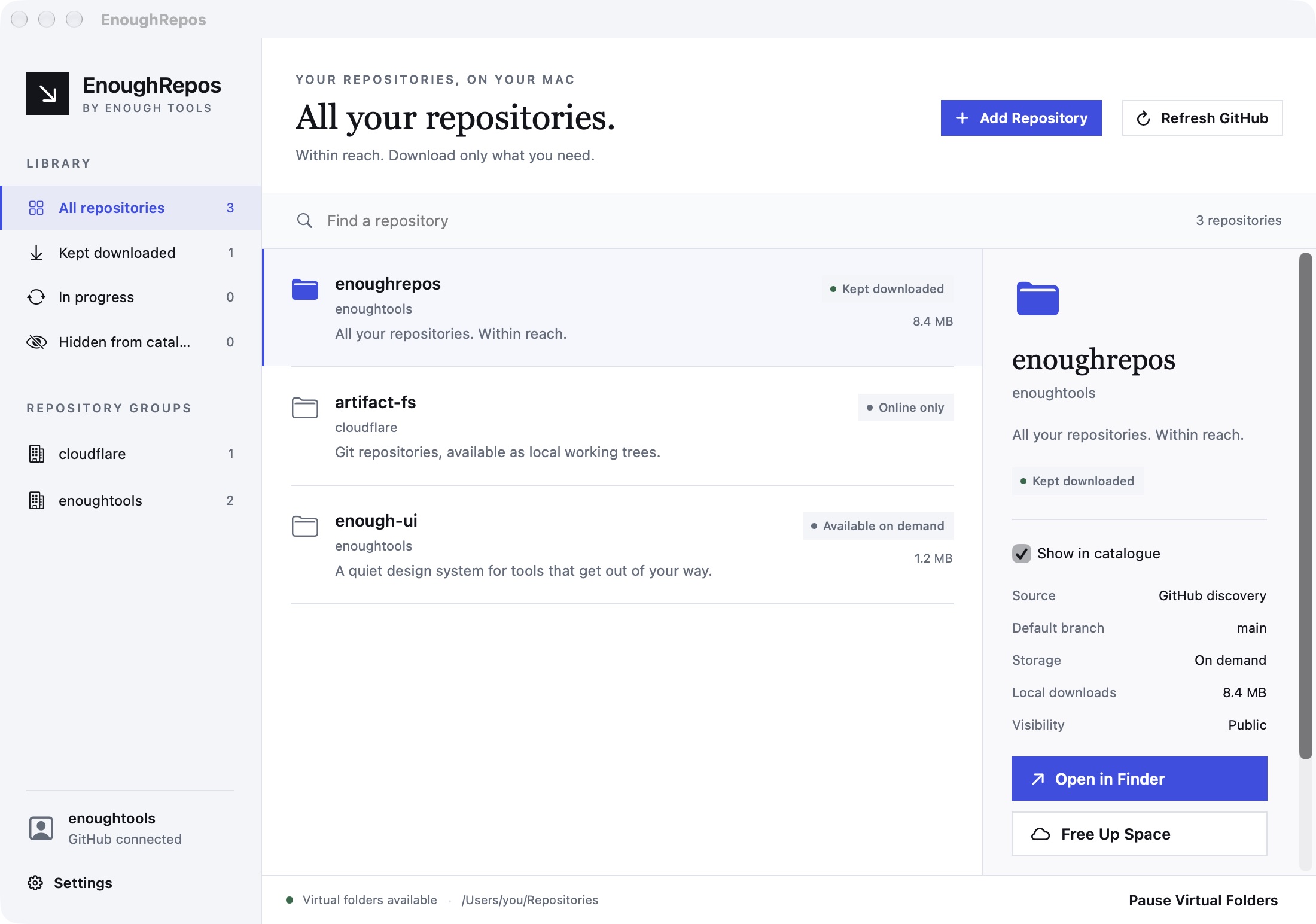
The Mac app groups repositories and shows their download state. GitHub discovery is optional; you can also add a Git remote or an existing checkout.
Connect GitHub to discover repos you can access. Or add a Git remote or an existing local checkout. GitHub sign-in is optional.
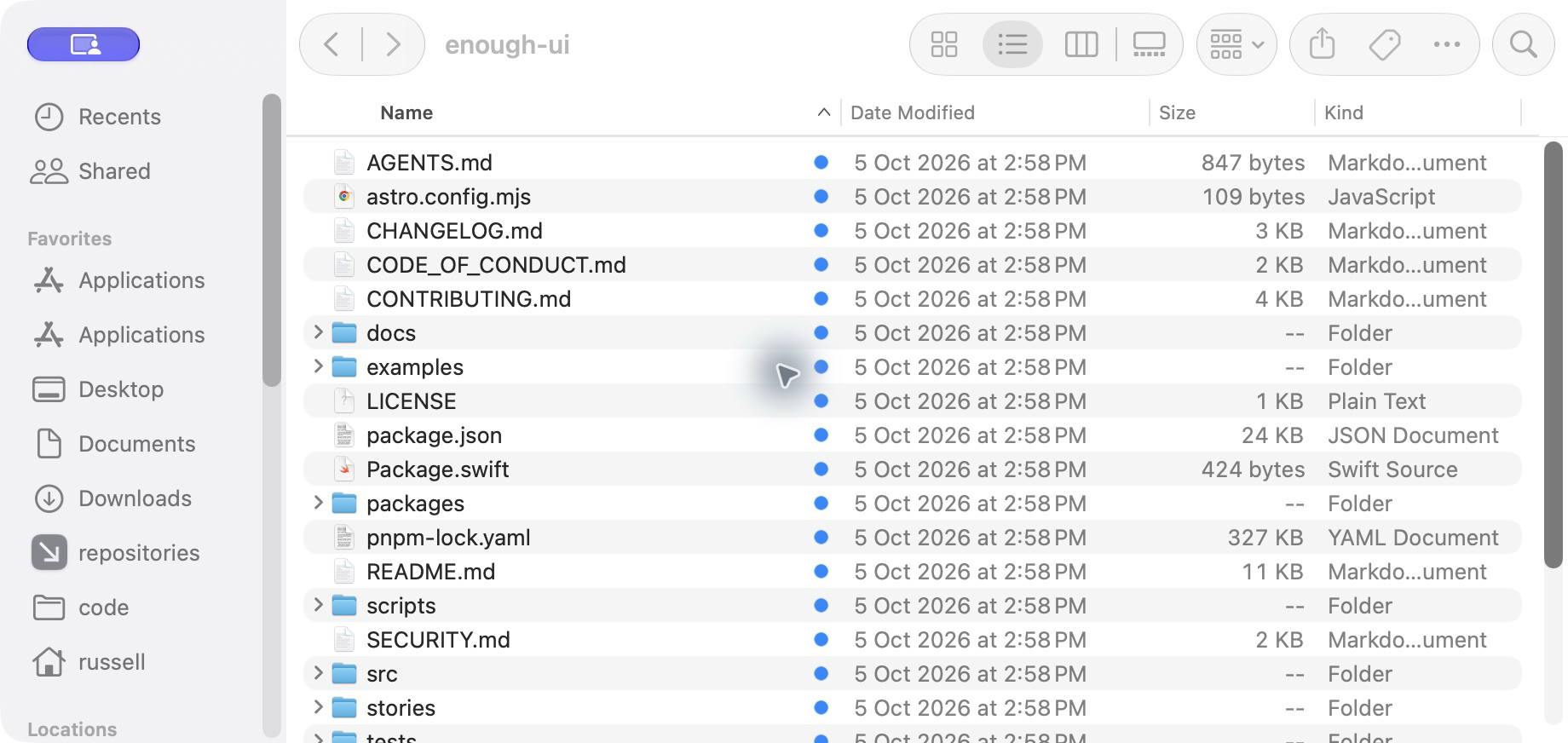
Choose a home on your Mac. Browse committed files through Finder, your editor or the terminal. File contents arrive when needed.
Git commands and edits prepare a writable working tree. Commit and push with ordinary Git, when you decide the work is ready.
Alpha build 0.1.0-beta.8
This is experimental software. Keep backups of valuable local work. Virtual folders need macOS 26 or later, Git, and approval of the bundled File System Extension in System Settings.
Read the installation guideM-series processors
dea6dd8812ac2e3032b901801b5bfe533a4a73a4adcdda38376c7c44e2b4288cx86_64 processors
6b7a71b8c56abc6d908fbca383d2072172a60e8938bd5d81c6ebfb19e06bdb5fUses Apple’s FSKit. No separate macFUSE installation. Review the alpha acceptance notes and keep backups of valuable local work.
The catalogue and committed file view let you browse without cloning every full checkout. Opening files fetches their contents as needed. Finder previews and indexing can also read files and trigger downloads.
Yes. Add an HTTPS or SSH Git remote, a local bare repository, or an existing checkout. Manual sources use your native Git credentials or SSH setup. GitHub discovery is optional and reflects the repositories your account is authorized to access.
It keeps the current checkout usable offline, including supported local work. Other branches and historical file versions may still need a connection. This alpha refuses submodules and checkout filters such as Git LFS.
Closing the management window leaves the background service running. Quitting the service disconnects virtual folders. Repositories marked Keep Downloaded are ordinary checkouts and continue to work.
Yes. Hide individual repositories or whole owner groups, and pause their background downloads while retaining local data. Individual exclusions survive GitHub rediscovery.
The alpha’s virtual view keeps a fixed visible baseline. Fetching commits does not automatically rebuild that tree, so test branch changes with your editor and build workflow. Adopted and kept checkouts remain ordinary Git folders, independent of the virtual service.
The native app, background service and filesystem engine are there to inspect, build and improve. EnoughRepos is built on Cloudflare’s ArtifactFS foundation.