
Email for your
own domains.
Bring personal mail, work and side projects into one web app. Deploy it in your own Cloudflare account, with separate inboxes and addresses for each domain.
Self-deployed beta. The public demo uses fictional mail and never sends email.
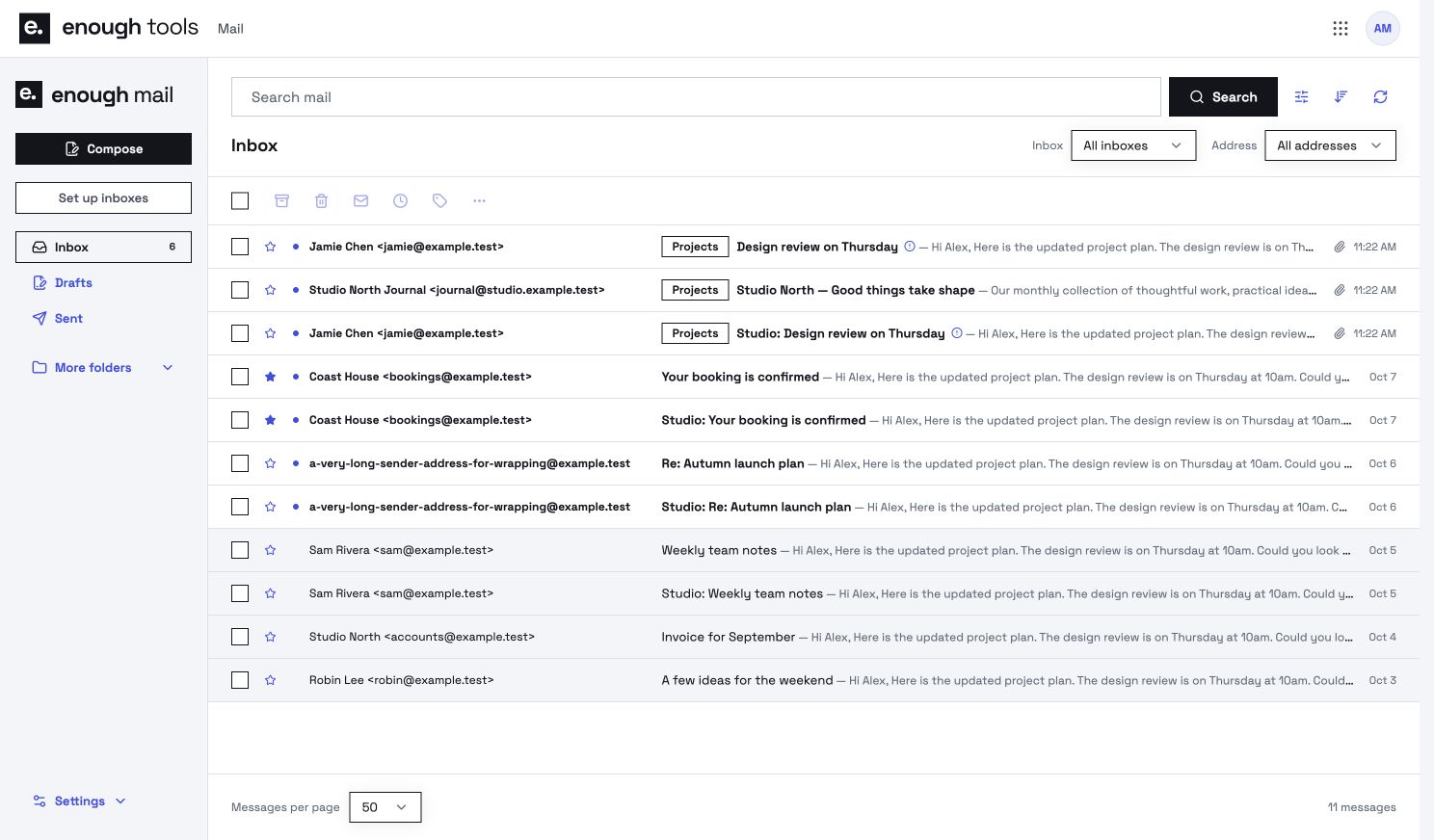
A conversation on your own address
- Receive at hello@alder.test
- In this fictional studio, Maya’s collection update arrives at the studio address. Personal mail stays in its own inbox; both can be read together.
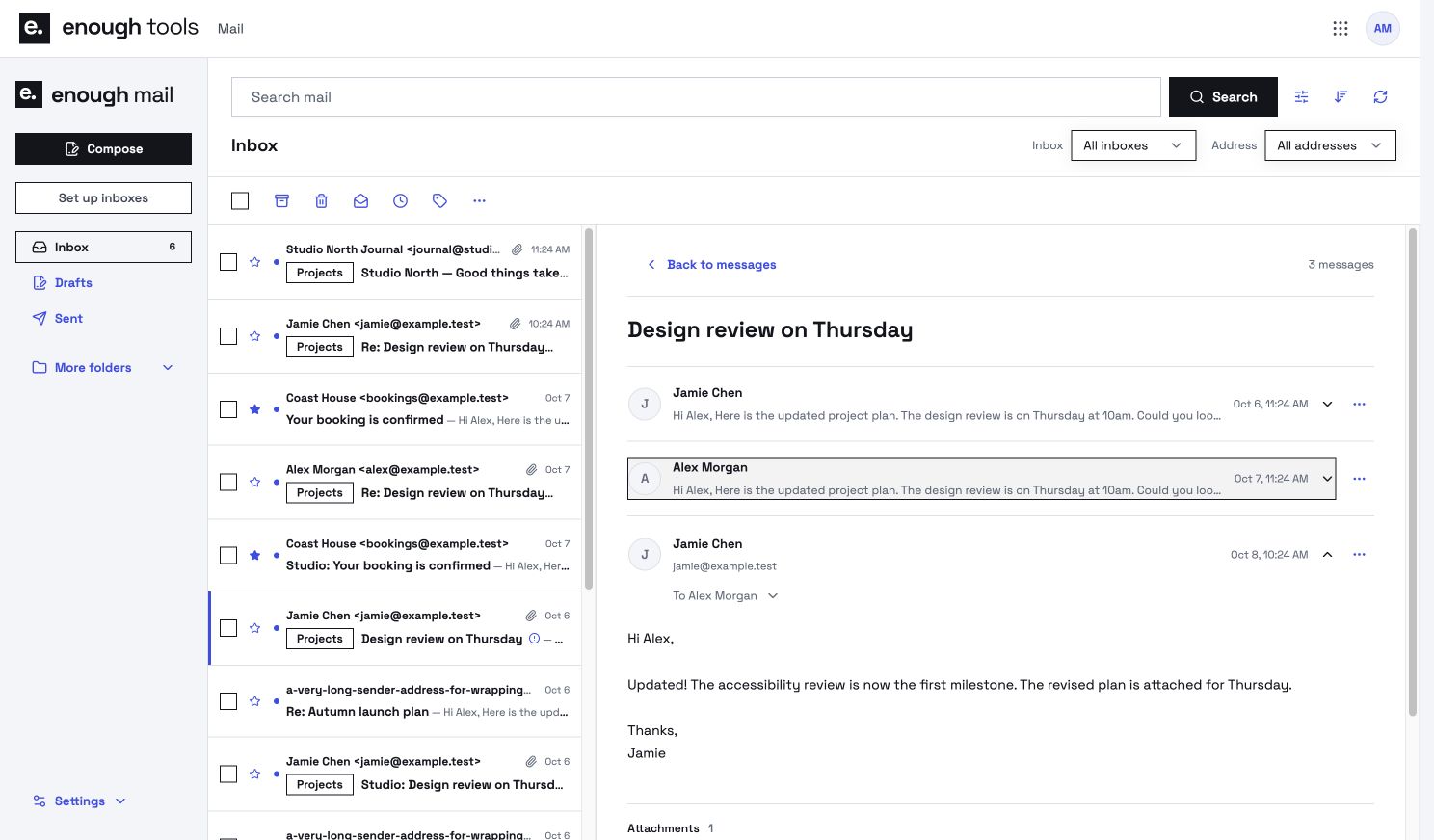
- Keep the conversation together
- Open Maya’s message to follow the first request, Alex’s reply and the next update in one thread. The inbox and address filters keep the context close.
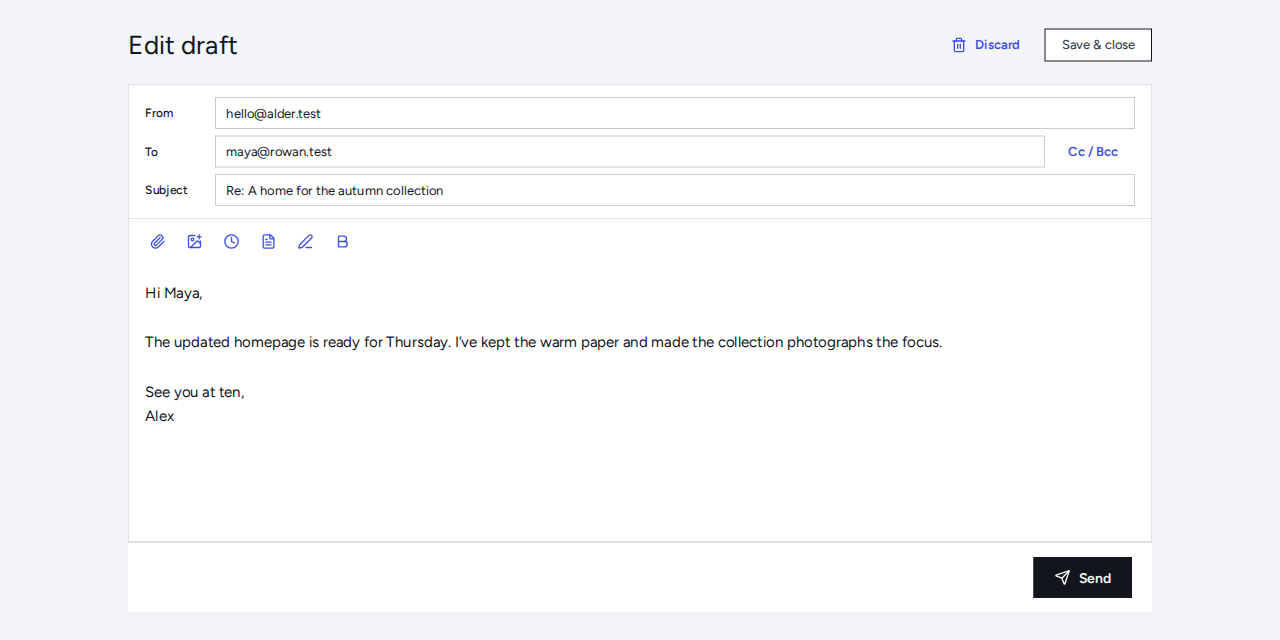
- Reply as the studio
- The reply uses hello@alder.test, the same address Maya wrote to. Rich text, attachments and templates are available in the composer.
- Find it again
- Search the correspondence or use the Projects label. Folders, rules and optional background browser notifications help with the next message.
Personal, work
and side projects
Keep separate inboxes and addresses for each domain. Read them together, or focus on one inbox.
Delegate access when someone else needs to help with the mail.
Deploy EnoughMail
Start with the setup guide
The repository includes a setup guide and a Wrangler deployment command. Mail runs on its own; you don't need to install the rest of Enough.
Want to look around first? Try the fictional inbox without an account. Nothing is sent; keep private content out of the demo.
Requirements
- A Cloudflare account with Workers, R2, Queues, Containers and Email Sending enabled
- A domain managed in that account
- Node.js 22.14+ and Docker for deployment
EnoughMail is a self-deployed beta. You manage the installation and updates. Cloudflare availability, quotas and charges apply; there is no hosted signup.
Already receiving mail on your domain?
Review the existing DNS and forwarding routes before switching delivery. EnoughMail shows the proposed changes and saves a recovery backup. Existing messages stay with your current provider.
Read the domain adoption guidePrepare the account
Install Node.js 22.14+ and Docker, clone the source and run
npm ci. Enable the required Cloudflare services and protect every path on your Mail hostname with Cloudflare Access.Configure and deploy
Run
npm run mail:configurewith your account, hostname and Access details. Supply the deployment and mail-management tokens through your secret manager, then runnpm run mail:deploy.Connect your domain
Open your installation, create an inbox, then add and verify the domain in Settings. Review existing routing before changing where mail is delivered.
Running your installation
You maintain Access policies, DNS, account billing, storage and updates. Review releases and repeat npm run mail:deploy to update the same installation. Keep generated configuration and resource names stable, and retain the buckets and Durable Objects containing your mail.
The deployment guide explains required token permissions and the private attachment scanner. Browser notification subscriptions need periodic renewal.
Read the full operations guideWhat hosting costs
EnoughMail is MIT licensed. Cloudflare bills your account for hosting and email usage; domain registration is separate.
The Workers Paid plan has a minimum account charge of US$5/month. That is a starting requirement, not an estimate of your total Mail bill.
- Containers: scanner CPU, memory, disk and network usage.
- R2 and Durable Objects: mail storage, operations and coordination.
- Queues and Email Service: processing and sending volumes beyond plan allowances.
Provider pricing checked 1 November 2026. Availability, included usage, limits and prices can change. Check the linked rates against your expected storage, attachment and sending volumes.